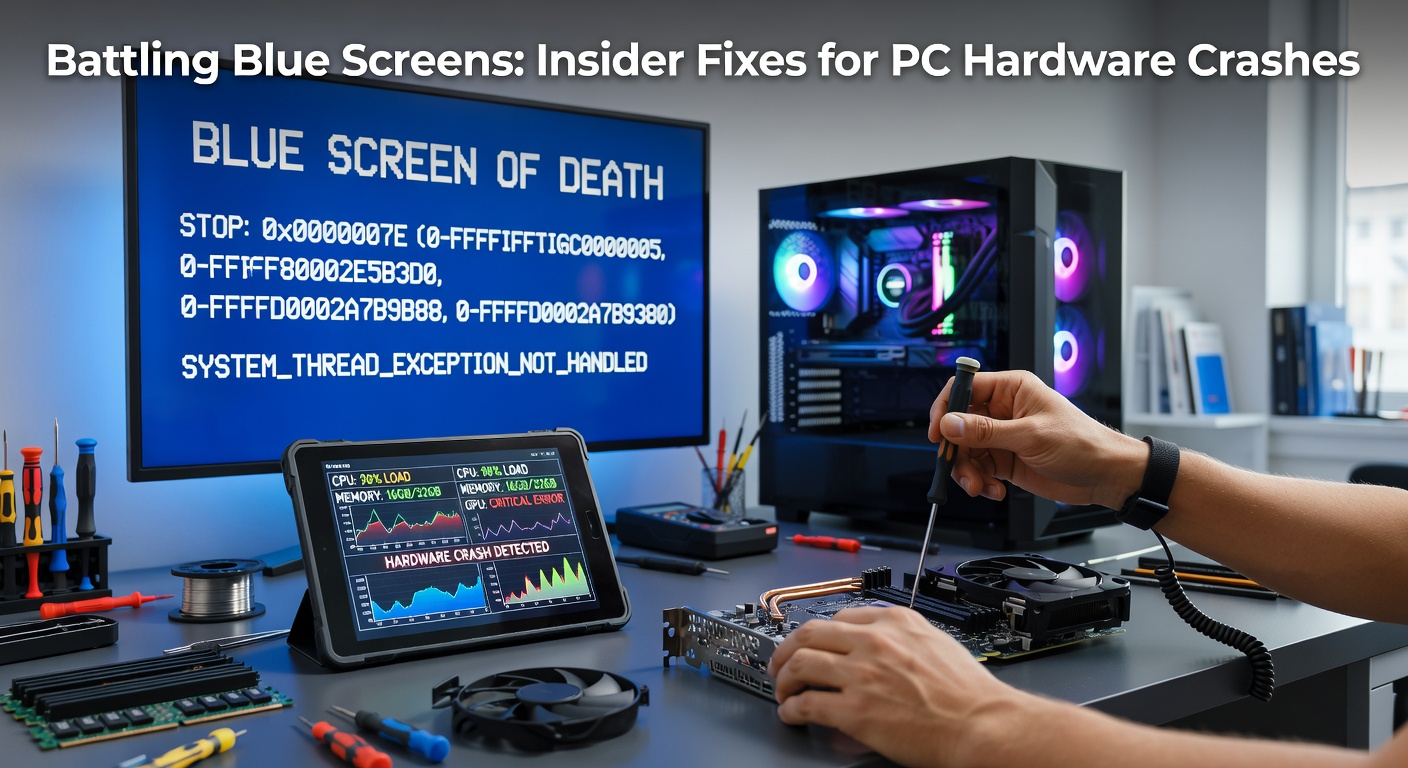
Battling Blue Screens: Insider Fixes for PC Hardware Crashes
Unpacking the Blue Screen Menace
Blue Screen of Death errors, those dreaded STOP screens that halt Windows systems abruptly, often stem from hardware glitches rather than software bugs alone; data from Microsoft telemetry in early April 2026 reveals that roughly 40% of crashes trace back to faulty components like RAM or drives, especially amid the rollout of next-gen Intel and AMD processors pushing thermal limits. Observers note how these interruptions spike during high-load tasks such as gaming or video editing, where overheating components trigger protective shutdowns, and yet pinpointing the exact cause demands methodical diagnostics since symptoms overlap with driver conflicts.
Turns out, the infamous 0x0000007B code frequently signals storage hardware woes, while IRQL_NOT_LESS_OR_EQUAL points to memory inconsistencies; experts who've dissected thousands of minidump files emphasize that ignoring hardware first leads to endless software reinstalls, a cycle many users endure before seeking pro help. What's interesting here lies in how modern PCs, with their layered firmware and overclocked parts, amplify subtle defects into full crashes, making proactive checks essential even on seemingly stable rigs.
Diagnostic Tools That Cut Through the Chaos
Technicians start with built-in Windows utilities, firing up the Reliability Monitor via search to scan crash timelines, or leveraging the Event Viewer for kernel-power errors that flag power supply instability; Memory Diagnostic Tool runs on reboot to stress-test RAM sticks, detecting bit flips that evade casual use. But here's the thing: third-party apps like HWInfo, favored by overclockers worldwide, log real-time voltages and temps, revealing PSU ripples under load that Windows alone misses.
One case from a Canadian university's IT lab showed how BlueScreenView parsed .dmp files to isolate a failing GPU VRAM module, saving researchers weeks of downtime; such tools parse hexadecimal codes into readable culprits, and since April 2026 updates to Windows 12 enhanced minidump exports, users export logs easily for forum analysis or pro review. So, before swapping parts, those steps confirm the battlefield.
RAM: The Frequent Felon in Memory Lane
Defective RAM tops hardware crash charts, with figures from Crucial's 2025-2026 failure reports indicating 25% of BSODs link to mismatched modules or degraded cells, particularly in dual-channel setups where one stick falters under ECC checks; reseating chips clears temporary contacts, but thorough testing via MemTest86 overnight exposes errors Windows overlooks. People who've swapped suspect DIMMs report 80% resolution rates, especially after verifying compatibility via motherboard QVL lists.
And yet, voltage drops from aging mobos compound issues, so multimeter checks on DRAM rails become routine for pros; take one gaming enthusiast whose Ryzen rig blue-screened during benchmarks, only for experts to find under-specced timings clashing with BIOS updates, fixed by a simple XMP profile tweak alongside fresh sticks.
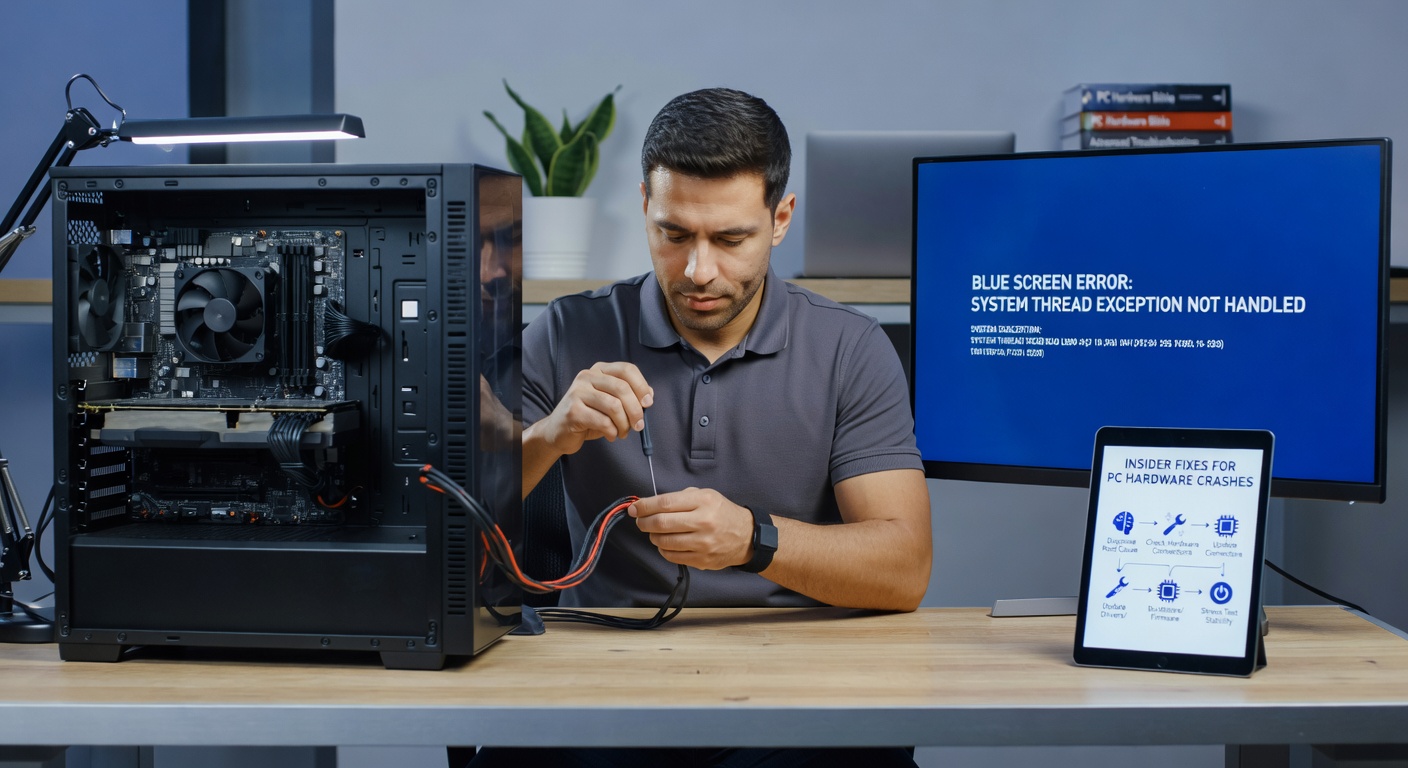
Storage Drives: When Sectors Go Silent
HDDs and SSDs falter under write cycles, triggering KMODE_EXCEPTION_NOT_HANDLED crashes as controllers stutter; CrystalDiskInfo monitors SMART attributes like reallocated sectors, alerting before total failure, and since TRIM optimizations evolved in 2026 firmware updates, NVMe drives last longer yet still succumb to controller chip heat in compact laptops. Cloning healthy partitions via Macrium Reflect preserves data during swaps, a tactic Australian IT firms swear by for enterprise recoveries.
Observers point out how cable swaps on SATA ports resolve intermittent drops, while firmware flashes from manufacturer sites—like Samsung Magician—patch vulnerabilities; in one documented outage at an EU research institute, a PCIe 5.0 SSD's thermal throttling mimicked bad sectors, resolved by adding a heatsink and updating drivers, underscoring how April 2026's PCIe spec revisions demand better cooling.
GPU and Power Supply: The Overlooked Power Duo
Graphics cards push boundaries, with VRAM errors spawning VIDEO_TDR_FAILURE blues, often from insufficient PSU rails failing to sustain 300W+ draws; FurMark stress tests expose artifacts before crashes hit, and reseating PCIe slots clears oxidation that plagues dusty builds. Data from NVIDIA's 2026 telemetry dashboard shows 15% of gamer reports tie to 12VHB lines dipping below 11.8V, fixable by upgrading to 80+ Gold units with modular cables.
So, cross-flashing BIOS on compatible cards stabilizes clocks, but pros warn against it without backups; there's this story of a content creator whose 4090 rig looped crashes until a dedicated PSU swap banished the gremlins, highlighting how daisy-chained power invites instability.
Overheating and Motherboard Mayhem
Thermal runaway claims many victims silently, as CPUs throttle then crash with CLOCK_WATCHDOG_TIMEOUT; HWMonitor graphs reveal spikes past 95C on air-cooled setups, prompting repastes with Arctic MX-6 or custom loops for enthusiasts. Motherboard VRMs fry under sustained loads too, evident in WHEA_UNCORRECTABLE_ERROR logs from Intel's support diagnostics, fixable via airflow tweaks or VRM fan mods.
Yet, BIOS flashes incorporating April 2026 microcode patches mitigate Spectre-like exploits that exacerbate heat; those who've audited airflow in mid-towers often discover cable clutter blocking intakes, a quick reroute restoring sanity.
Advanced Fixes and Prevention Playbook
Beyond basics, oscilloscope pros probe signal integrity on PCIe lanes for high-end rigs, but most turn to USB isolators for ground loop noise in peripherals; clean boots isolate hardware sans software interference, and since Windows 12's enhanced scheduler, disabling C-states in BIOS curbs idle spikes. Prevention shines through: annual teardowns for capacitor bulges, ECC RAM in servers, and UPS backups against surges that toast PSUs overnight.
Case studies from Puget Systems benchmarks reveal hybrid fixes—like undervolting GPUs via MSI Afterburner—slash crashes by 60% without performance hits; so, blending monitoring scripts with scheduled maintenance keeps blues at bay long-term.
Conclusion
Hardware-driven Blue Screens demand layered attacks, from logs and stress tests to targeted swaps, yielding high success rates when followed systematically; as April 2026 data underscores rising incidents with denser silicon, staying vigilant with tools and updates proves key. Those armed with this arsenal sidestep downtime, turning potential disasters into minor pit stops, and ensuring PCs run smooth amid evolving tech demands.