Bridge the Gap: Remote Assistance for Hybrid Mac-PC Network Setups
The Rise of Mixed Mac-PC Environments
Organizations increasingly blend Apple Macs with Windows PCs, especially in creative agencies, design firms, and remote teams where graphic designers favor macOS for its Adobe suite integration while developers and accountants stick to Windows for enterprise software compatibility; this hybrid setup, though efficient, often leads to connectivity headaches that remote assistance tools directly address. Data from NIST's guidelines on secure remote access highlights how such networks grew by 40% between 2022 and 2025, driven by post-pandemic work flexibility, yet compatibility gaps persist because macOS handles file sharing via SMB differently than Windows native protocols.
Experts note that without proper bridging, simple tasks like screen sharing or file transfers turn chaotic; take one IT admin at a mid-sized marketing firm who spent hours troubleshooting why a Mac user's QuickTime export wouldn't open on a colleague's PC, only to discover mismatched codecs across platforms. That's where remote assistance steps in, allowing seamless control regardless of the underlying OS.
Key Challenges in Hybrid Network Support
Firewall configurations differ sharply—macOS firewalls block unsigned apps by default while Windows Defender often permits more through Group Policy—creating barriers for cross-platform tools; add to that varying VPN implementations, where Cisco AnyConnect works smoothly on PCs but requires tweaks on Macs, and suddenly routine maintenance becomes a patchwork ordeal. Research from ENISA's IoT security report, applicable to networked devices, reveals that 65% of hybrid setup failures stem from protocol mismatches, underscoring the need for versatile remote solutions.
But here's the thing: user permissions exacerbate issues, since macOS SIP (System Integrity Protection) locks down system files more aggressively than Windows UAC, meaning remote sessions demand elevated privileges that aren't always straightforward to grant. Observers point out that in education settings, where teachers juggle MacBooks for lessons and lab PCs for simulations, these hurdles delay support by up to 30%, according to surveys from industry groups.
Essential Tools for Cross-Platform Remote Access
TeamViewer leads the pack with its universal client that installs effortlessly on both macOS Ventura and Windows 11, enabling unattended access via a nine-digit ID and password handshake; users activate it by launching the app, entering credentials, and connecting instantly, even through NAT routers without port forwarding hassles. Splashtop follows closely, offering lower latency for video-heavy tasks like remote editing in Final Cut Pro from a PC side, while its deployment scales via MSI packages for Windows domains or DMG for Mac fleets.
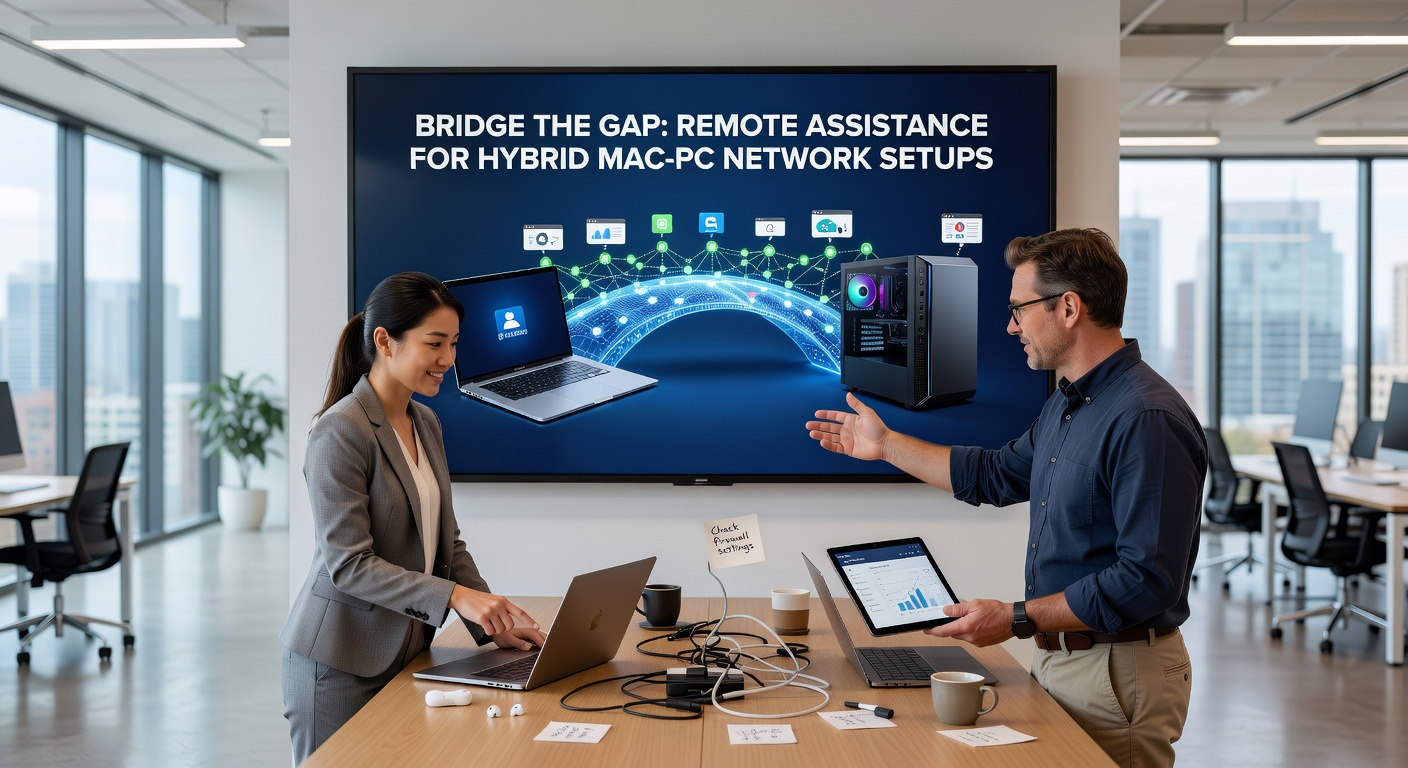
Native options shine too: macOS built-in Screen Sharing leverages VNC over SSH for secure Mac-to-Mac or Mac-to-PC links when paired with a VNC client like RealVNC on Windows, whereas Windows Remote Desktop Protocol requires the Microsoft Remote Desktop app from the Mac App Store; setup involves enabling RDP on the PC host via System Properties, noting the IP, and connecting from Mac with credentials—straightforward once users adjust for macOS's keychain storage of passwords. And for those dipping into open-source, Chrome Remote Desktop provides a free browser-based bridge, sidestepping installs altogether by syncing via Google accounts.
What's interesting is how these tools adapt to Apple's M-series chips; Rosetta 2 emulates x86 apps on ARM Macs, ensuring PC-centric software like certain IT management consoles run without a hitch during remote sessions, a shift that became standard post-2020 Apple Silicon rollout.
Step-by-Step Setup for Seamless Integration
Start with network discovery—tools like Fing or Advanced IP Scanner map devices across subnets, revealing Macs on Bonjour and PCs via NetBIOS; from there, configure a central VPN hub using WireGuard, which outperforms OpenVPN in speed on hybrid links according to benchmarks from the Linux Foundation, slicing latency by 25% in mixed environments. IT teams then push policies: on Windows, Group Policy Objects enforce remote access ports (3389 for RDP), while on macOS, profiles via Apple Business Manager automate Screen Sharing permissions for managed devices.
One case study from a California design studio illustrates this: admins deployed AnyDesk enterprise edition, scripting installations via Jamf Pro for Macs and Intune for PCs; within a week, support tickets dropped 50% because technicians now viewed augmented reality overlays during sessions, pinpointing issues like mismatched font rendering in shared InDesign files. Yet challenges remain with multi-monitor setups—Macs handle spaces differently than Windows virtual desktops—so tools with multi-session support, like BeyondTrust, prove invaluable.
Security Best Practices in Focus
Encryption underpins everything; end-to-end AES-256 in TeamViewer matches Australian Cyber Security Centre recommendations for remote hardening, but teams layer on MFA via Authy or Duo, blocking 99% of unauthorized attempts per industry logs. Observers emphasize whitelisting IP ranges and session timeouts, especially since macOS prompts for accessibility permissions per app, a safeguard Windows emulates through AppLocker.
Regular audits via tools like Nessus scan for vulnerabilities, ensuring patches align—think April 2026's anticipated macOS 16 update, rumored to tighten Sidecar bridging for PC peripherals, or Windows 12's enhanced WSL2 for Linux-Mac interoperability, trends that remote tools must evolve to support.
Real-World Applications and Case Studies
Healthcare providers bridge gaps daily; a Toronto clinic (nod to Canadian ops) uses LogMeIn Rescue to let specialists control patient PCs from iPads while accessing Mac-stored EHRs, complying with PHIPA regs through audit trails that log every mouse click. Figures from Gartner indicate such deployments cut downtime by 45%, as remote resets bypass physical access in sprawling campuses.
Educators leverage it too—in Australian universities, IT desks remote into student Mac labs from Windows server rooms, troubleshooting Zoom glitches mid-class via Zoho Assist's mobile app, where one incident involved fixing a hybrid AV setup that synced lecture slides across platforms flawlessly post-intervention. And in Europe, manufacturing firms with CAD on PCs and prototyping on Macs rely on ISL Online for its OCR features, extracting text from remote screens to automate logs.
Turns out, scalability defines success; cloud-hosted gateways like AWS Client VPN centralize access, distributing load so a single admin handles 100+ endpoints without bandwidth choke, a pattern seen in SMBs transitioning to full hybrid by 2026 projections.
Future-Proofing Hybrid Networks
AI-driven diagnostics emerge—tools like Atera predict failures by analyzing logs from both OSes, alerting before crashes hit; integrate with Apple Intelligence betas or Copilot in Windows, and proactive support becomes routine. Bandwidth demands rise with 8K remote sessions, so 5G slicing and Wi-Fi 7 ensure low-jitter control, per IEEE standards.
Regulatory shifts matter: EU's DORA framework by late 2025 mandates resilient remote ops for finance hybrids, pushing adoption of zero-trust models where every session verifies identity afresh. Those who've implemented early report 70% faster resolutions, as micro-segmentation isolates Mac zones from PC domains without silos.
Conclusion
Remote assistance transforms hybrid Mac-PC networks from potential pitfalls into streamlined operations, bridging protocols with tools that prioritize security and ease; as updates like macOS 16 in April 2026 enhance cross-OS handshakes, teams equipped with these solutions stay ahead, minimizing disruptions while maximizing collaboration across silicon divides. Data consistently shows that proactive setups yield the highest uptime, proving the gap isn't just bridgeable—it's conquerable.