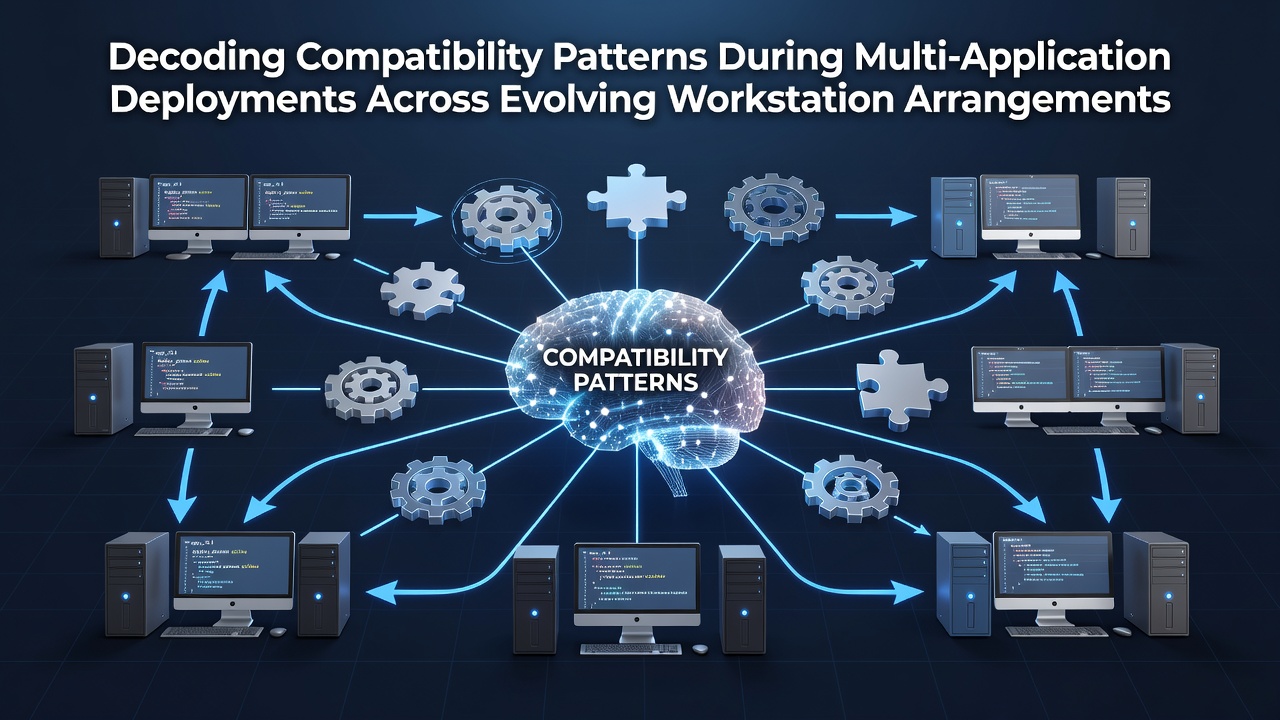
Decoding Compatibility Patterns During Multi-Application Deployments Across Evolving Workstation Arrangements
Compatibility patterns emerge when organizations deploy multiple applications across workstations that undergo regular changes in hardware, operating systems, and network connections. These patterns appear as recurring sequences of version mismatches, library conflicts, and interface inconsistencies that surface during rollout phases. Researchers track these sequences through deployment logs and testing matrices to predict where failures occur most often.
Workstation arrangements evolve through scheduled hardware refreshes, operating system updates, and shifts between physical, virtual, and cloud-hosted environments. Each change alters the underlying dependencies that applications rely upon. Data from enterprise monitoring platforms shows that version drift between applications and system components accounts for a significant portion of deployment interruptions across distributed teams.
Mapping Recurring Dependency Sequences
Dependency sequences form when one application requires specific runtime libraries that another application overwrites or modifies during installation. Observers note that these sequences repeat across industries where teams maintain mixed environments of legacy and current software. Studies from academic institutions document how shared component updates create cascading effects that surface weeks after initial deployment.
Patterns become visible when deployment teams log the exact order of application installations and subsequent failures. One research project at a European university identified consistent clusters where database connectors conflicted with security modules after operating system patches were applied. These clusters appeared regardless of workstation brand or initial configuration.
Testing Matrices in Dynamic Environments
Testing matrices expand as workstations move between different network segments and hardware generations. Teams construct these matrices by combining application versions with operating system builds and peripheral driver states. Results from systematic testing reveal that certain combinations trigger interface errors while others remain stable under identical workloads.
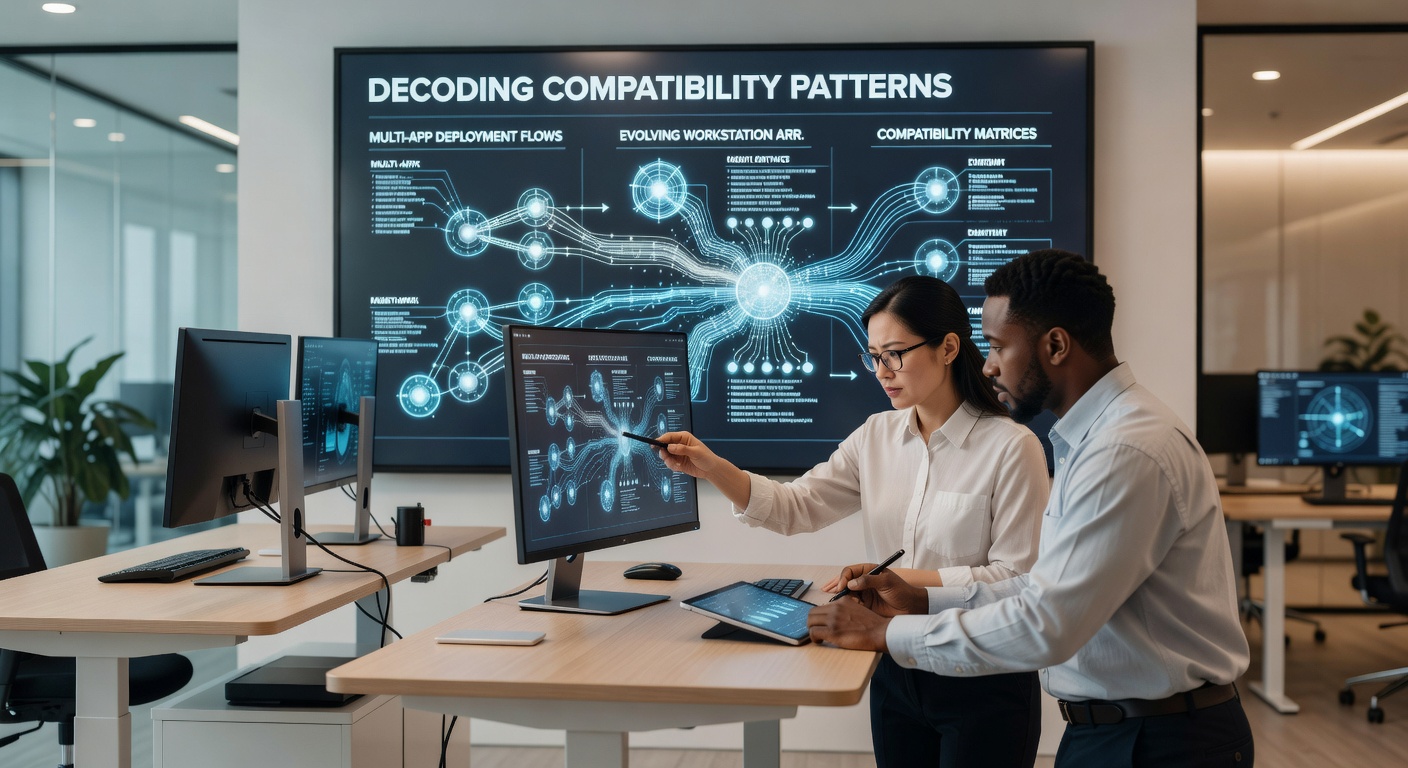
As of June 2026, several platform providers introduced updated compatibility verification tools that scan for known conflict signatures before full rollout begins. These tools reference databases maintained by standards organizations and integrate with configuration management systems to flag potential issues early. Reports from the National Institute of Standards and Technology outline structured approaches for building such verification layers into existing deployment pipelines.
Environmental Variable Influences
Environmental variables shift when workstations transition between office networks, remote connections, and hybrid cloud resources. These shifts affect how applications locate configuration files, shared resources, and authentication endpoints. Research indicates that applications relying on hardcoded paths encounter failures more frequently during such transitions than those using relative or registry-based references.
Teams that maintain detailed inventories of variable states across workstation classes report fewer post-deployment adjustments. The inventories capture differences in path separators, encoding standards, and permission models that vary between operating systems. Documentation from the European Union Agency for Cybersecurity provides frameworks for cataloging these variables in multi-platform deployments.
Containerization and Isolation Approaches
Containerization creates isolated execution environments that reduce direct conflicts between applications sharing the same workstation. Deployment records show that containerized applications maintain consistent behavior across hardware refreshes provided the container runtime remains current. Yet container images themselves require periodic updates that can introduce new compatibility considerations with host operating systems.
Virtual desktop infrastructures offer another layer of separation where applications run on centralized servers while users interact through thin clients or browsers. Compatibility patterns in these setups center on protocol versions and rendering engine alignments rather than local library conflicts. Organizations track these patterns through session logs that capture rendering failures and input latency spikes.
Version Control and Rollback Protocols
Version control systems record the exact state of each workstation before and after application deployments. Rollback protocols activate when compatibility checks detect deviations beyond predefined thresholds. Data collected across multiple deployment cycles demonstrates that automated rollback reduces mean time to recovery compared with manual intervention sequences.
Patterns in rollback triggers often correlate with specific combinations of security updates and third-party extensions. Monitoring platforms flag these combinations during pre-deployment scans so teams can adjust installation order or apply targeted patches beforehand. This approach limits the scope of changes that require reversal.
Conclusion
Compatibility patterns during multi-application deployments reflect interactions between application requirements and workstation configurations that continue to change. Systematic logging, expanded testing matrices, and isolation technologies provide methods for identifying and addressing these patterns before they disrupt operations. Organizations that integrate verification steps into deployment workflows observe measurable reductions in post-installation issues across evolving arrangements.