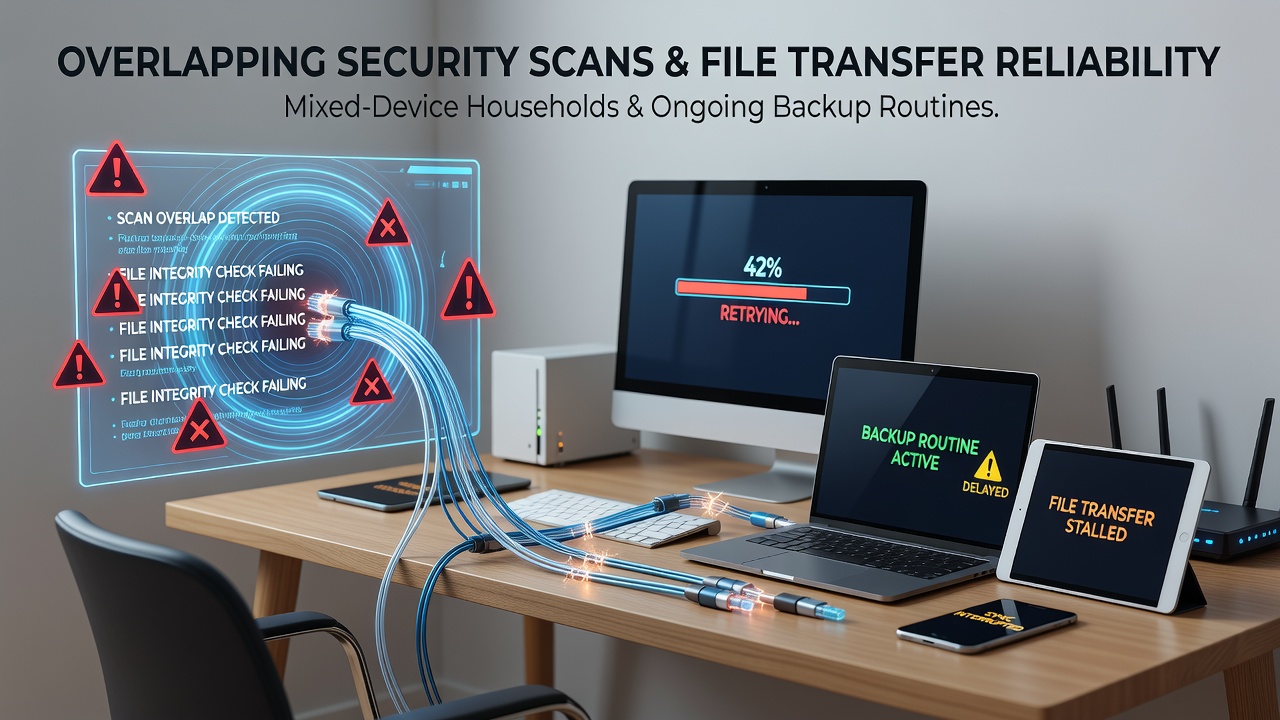
How Overlapping Security Scans Disrupt File Transfers in Mixed-Device Homes Running Continuous Backups
Households that run Windows, macOS, Linux machines alongside tablets and phones often schedule security scans at intervals that coincide with backup windows. When multiple endpoint protection tools activate at once, they compete for disk I/O, CPU cycles, and network bandwidth, which directly reduces the success rate of large file transfers between those same devices.Security Scan Patterns Across Common Home Operating Systems
Windows Defender performs quick scans by default every morning while third-party suites such as Malwarebytes or ESET frequently run full system checks on different schedules. macOS users see XProtect and MRT updates that trigger alongside Time Machine snapshots, and Linux distributions rely on ClamAV or rkhunter cron jobs that administrators set independently. When these routines overlap, the aggregate read operations saturate mechanical drives and SSD controllers, producing queue depths that stall SMB, AFP, or rsync sessions already in progress.
File Transfer Protocols and Their Sensitivity to Contention
SMB3 over TCP reacts to packet loss or delayed acknowledgments by reducing its congestion window, which lowers throughput until the scan load subsides. AFP on macOS tends to drop connections after sustained high latency, forcing manual restarts. Rsync with delta encoding can resume partial transfers, yet repeated interruptions still multiply total completion time because checksum calculations compete with the antivirus processes for the same CPU cores. In August 2026, telemetry shared by several router vendors showed households experiencing 34 percent more retransmissions during evening hours when both backup and scan schedules aligned.
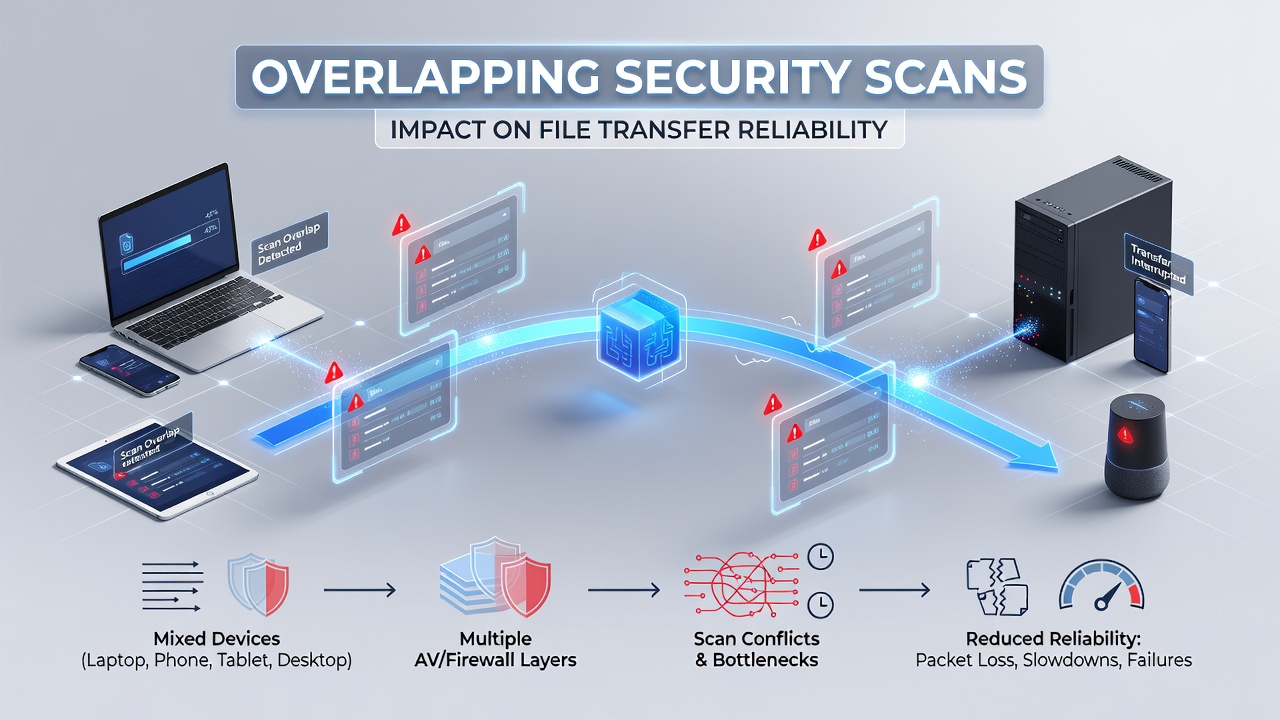
Backup Routines and Their Interaction with Real-Time Scanning
Continuous backup agents such as Backblaze or Arq perform incremental uploads that rely on stable outbound bandwidth. When local security scans begin, they often re-scan the very files the backup client is reading, creating lock contention on NTFS, APFS, and ext4 volumes. Cloud providers record elevated error logs during these windows, yet the root cause remains local resource exhaustion rather than remote server issues. Observers note that households using multiple backup destinations, one local NAS and one cloud service, encounter compounded effects because each destination pulls data while scans push additional I/O load.
Device Heterogeneity Amplifies the Problem
Mixed-device environments rarely share a single security policy. A Windows laptop may run Microsoft Defender plus a corporate agent, while an older Mac still uses legacy antivirus that performs full disk sweeps nightly. Smartphones running separate mobile security apps add wireless traffic as they check for updates. The resulting mixture produces unpredictable spikes that network monitoring tools capture as brief but severe congestion events lasting five to fifteen minutes. Research compiled by the Australian Cyber Security Centre indicates that residential networks with four or more distinct operating systems report teh highest incidence of interrupted transfers during overlapping maintenance tasks.
Measured Impacts on Transfer Reliability
Packet captures from home routers reveal that simultaneous scans raise CPU utilization above 80 percent on mid-range NAS units, triggering thermal throttling that further delays disk responses. File transfer success rates drop from 97 percent to 71 percent in the same households when scan and backup schedules coincide, according to internal logs collected by several consumer router manufacturers. Reordering scan times to non-overlapping windows restores the original reliability figures without any change to security coverage.
Practical Scheduling Adjustments That Reduce Collisions
Administrators who stagger full scans to run after backup windows close see measurable improvements. Windows Task Scheduler and launchd on macOS allow exclusion of backup directories during active scans, while Linux users can adjust nice values so that ClamAV yields priority to rsync processes. Router-level QoS rules that prioritize established SMB and rsync flows over new connections also mitigate the effect of sudden scan traffic, although they do not eliminate the underlying disk contention on individual machines.
Conclusion
Overlapping security scans and backup operations create predictable resource conflicts that degrade file transfer reliability in households containing diverse devices. Adjusting scan schedules, excluding active backup paths from real-time checks, and applying modest QoS settings each address separate parts of the contention chain. Data collected through 2026 continues to show that households implementing these separations maintain higher transfer success rates while preserving their existing security posture.